Is that software subscription worth the cost? Do this simple calculation
It’s super easy to go chasing bright, shiny objects when another piece of software promises to save you hours every week. You think, hey, the monthly subscription cost doesn’t look too bad. It might even cost less than one hour of your time.
And if it makes scheduling meetings
…and writing proposals
…and managing projects
…and communicating with your clients easier,
surely it’s worth the cost, isn’t it?
Maybe. But maybe not.
The real question is whether the software saves you enough time—or creates enough other value—to justify what it actually costs your business each month.
In this post, I’m going to show you how to work out the software’s true monthly cost, decide what a saved hour is worth and calculate how many hours the software must save to cover that cost. Then we’ll look at benefits that don’t fit neatly into the calculation and how to check later whether the software delivered.
What is an hour of your saved time actually worth?
As cliché as it is to say, time is money. But before you can calculate how much time the software needs to save, you have to decide what one saved hour is worth.
There isn’t one universally correct way to put a dollar value on time. For example, Statistics Canada uses both opportunity cost and replacement cost when estimating the economic value of unpaid work.
Opportunity cost considers what someone gives up by spending their time on one activity instead of another. Replacement cost considers what it would cost to pay someone else to do comparable work.
For this decision, we can use those two ideas and add a third consideration: personal value.
Opportunity cost: What valuable work can you realistically do instead?
Replacement cost: What expense does the software allow you to avoid?
Personal value: What would you willingly pay to reclaim the time?
Suppose your consulting rate is $150 an hour. You could value a saved hour at up to $150 if it allows you to accept additional paid work that you would otherwise have to turn down. Remember to subtract any extra costs you would incur to complete that work. But if the hour simply becomes an empty space in your calendar, the software has created capacity—not another $150 of revenue.
Replacement cost asks a different question. If the software performs work for which you would otherwise pay an assistant $40, the saved hour may be worth $40. But if you would never have hired anyone, the software has not eliminated a $40 expense.
Then there is personal value. Maybe the software lets you finish earlier, spend more time with your family or stop doing an administrative task you hate. You might willingly pay $25 to get that hour back. That value is real to you, but it is not additional business income or a cost the business avoided.
For the calculation that follows, choose the approach that matches what you expect the saved time to do. Use additional profit or an expense avoided if you are measuring financial value. Use what reclaiming the time is worth to you if you are making a personal decision.
Don’t add the three values together if they describe the same saved hour. That would count the benefit more than once. If you’re uncertain, choose a low, middle and high estimate. In the example below, we’ll value one saved hour at $50.
What does the software really cost each month?
The software’s true monthly cost includes the subscription price, plus any other costs you must take on to use it. Some of these costs are easy to overlook and can actually make the software much more expensive than the advertised price.
Depending on the subscription, you may also have to pay for:
additional users;
add-ons or integrations;
sales tax your business cannot recover;
foreign exchange or credit card conversion fees;
setup, data migration, training or professional support;
time spent setting up, learning and switching to the software;
downtime or duplicated work while switching systems; and
cancellation, data export or switching costs if you leave later.
Don’t forget: Time is a cost even when it does not appear in your bank feed.
Estimate how much time you will spend setting up and learning the software, then multiply those hours by the value you placed on your time in the previous section.
Be equally careful with downtime. If switching systems causes you to lose paid work or pay someone for extra hours, include that cost.
Some costs happen every month. Others happen only once. If you pay annually, divide the annual charge by 12. For this comparison, you can also spread a one-time cost over the number of months you expect to use the software.
Imagine the advertised subscription is $60 a month. You also need a $5 monthly add-on and estimate that setup, migration and learning the software will cost another $120. If you expect to use the software for at least a year, spreading that $120 over 12 months adds another $10 a month:
| Cost | Monthly amount |
|---|---|
| Subscription | $60 |
| Add-on | $5 |
| Setup, migration and learning costs spread over 12 months | $10 |
| True monthly cost | $75 |
So during the first year, the software’s true monthly cost is $75—not the advertised $60.
You don’t need to predict every possible expense. But do include the costs you can reasonably expect and update the calculation if they change enough to affect your decision.
You can read up on how to record the subscription or whether it can be claimed as a business expense in this post, Can I claim software subscriptions as business expenses in Canada?.
Now we have the two numbers we need: one saved hour is worth $50, and the software’s true monthly cost is $75. Keep reading to see how we use these numbers to calculate how many hours the software must save your to cover its cost.
How many hours must the software save to cover its cost?
Now let’s divide the software’s true monthly cost by the value of one saved hour:
True monthly cost ÷ value of one saved hour = hours the software must save each month
Using our two numbers:
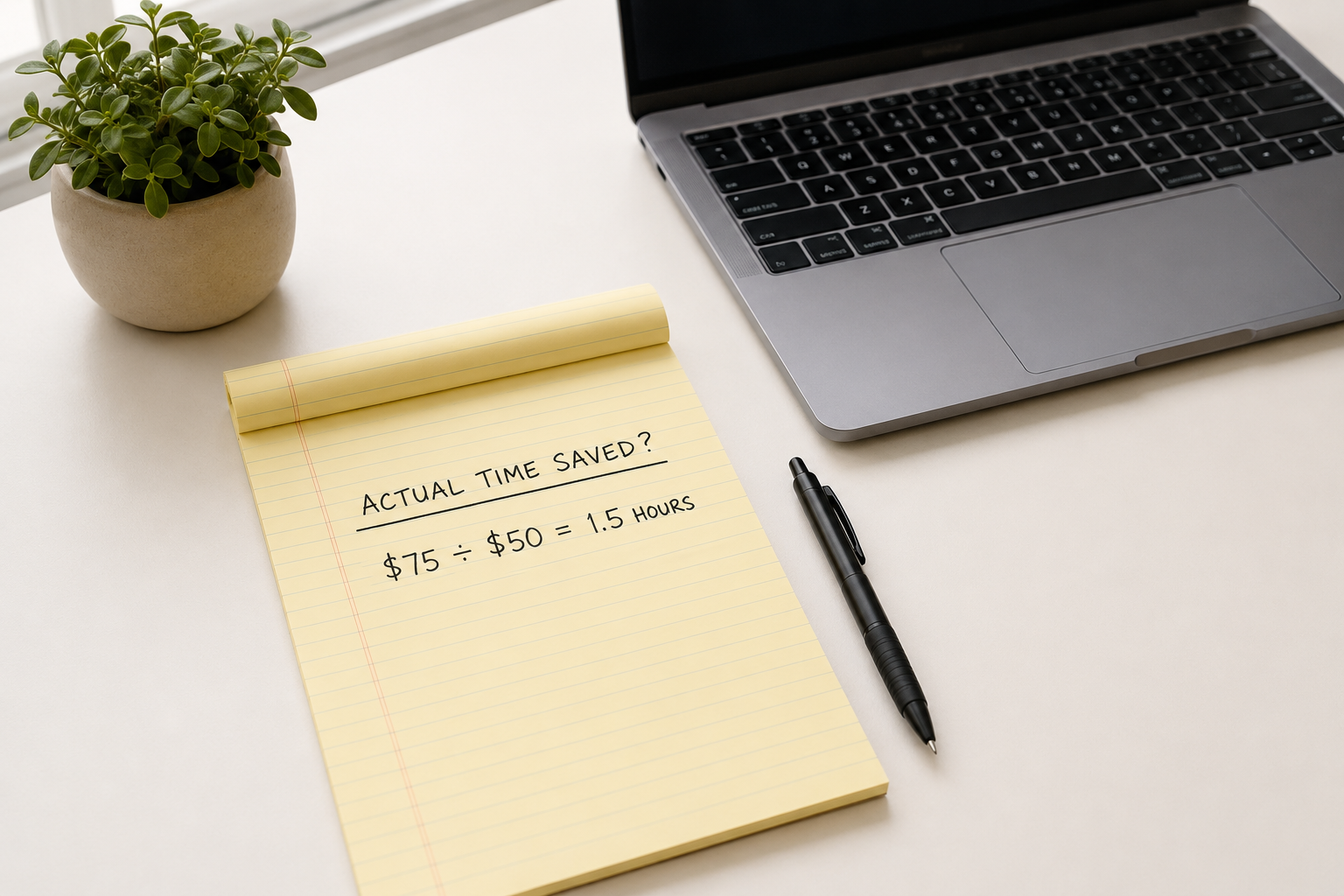
$75 ÷ $50 = 1.5 hours
So the software must save at least 1.5 hours every month for the value of the saved time to equal its $75 monthly cost.
Say you’re shopping for proposal software to use in your QA consultancy. Without the new software, you currently spend four hours a month preparing, sending and following up on proposals. With the software, the entire process, including any ongoing maintenance and data entry, could be whittled down to two hours.
The software could therefore save you two hours a month:
2 hours saved × $50 per hour = $100 of estimated value
Here’s how different time savings compare with the software’s cost:
| Time saved each month | Value at $50 per hour | Compared with the $75 cost |
|---|---|---|
| 30 minutes | $25 | Falls short by $50 |
| 1 hour | $50 | Falls short by $25 |
| 1.5 hours | $75 | Covers the cost |
| 2 hours | $100 | Exceeds the cost by $25 |
If the $50 represents additional profit or an expense avoided, this is an estimate of the software’s financial value.
If it represents what reclaiming the time is personally worth to you, the calculation is a personal test—not projected business profit.
Don’t rely only on the time savings promised on the software company’s website. Instead, compare how long the entire task takes before and after adopting it, including any ongoing time spent maintaining the system, fixing problems or entering information.
Now you have something specific to test: Will this software genuinely save me at least 1.5 hours every month?
What if the software’s benefits are hard to measure?
If you can’t reliably put a dollar value on a benefit, describe the specific change you expect and decide how you will check whether it happened. You see, saving time isn’t the only possible benefit of the proposal software. Maybe it just makes preparing proposals much less aggravating.
Like, how do you put a dollar value on no longer wanting to launch your computer monitor into low Earth orbit every time you have to copy the same project details from one proposal into another? Saving $5,000 a week on replacement computer monitors would certainly make a $75-a-month subscription worth paying for. But unless you’re actually launching computer monitors at that rate, the number doesn’t belong in the calculation.
That doesn’t mean harder-to-measure benefits have no financial value. It means you need enough information to estimate that value without making it up. Suppose the proposal software automatically reminds you to follow up with prospective clients. A timely reminder could help you win work you might otherwise lose.
But you can’t automatically count the full value of a new client as a benefit of the software. You would need to know how often you currently miss follow-ups, how many followed-up proposals become paying clients and how much profit the average engagement produces.
If you have enough reliable information, you can estimate the benefit. If you don’t, describe what you expect to change and track what happens.
Ask:
What specific problem should the software improve?
How often does the problem happen, and what happens if you do nothing?
How will the software change your current process?
Could a cheaper tool or simpler process do the same thing?
How will you know whether the improvement happened?
Be careful with vague promises such as “It will make me more organized” or “It will help me look more professional.” Those statements are broad enough to justify almost any purchase. Turn them into something you can observe.
For your QA consultancy, “more organized” could mean storing every proposal in one place and missing no follow-ups. “More professional” could mean sending every prospective client a proposal within one business day.
You may not be able to give every benefit a precise dollar value, but you should still be able to say what will change and check later whether it happened.
How can you tell whether the software was actually worth it?
Record your assumptions before subscribing, then compare them with the actual cost, time saved and other results after 60 or 90 days.
Software is easiest to justify on the day you subscribe. At that point, all you have is the promise. Three months later, you probably won’t remember exactly what you expected it to do.
Here’s what I write down: the software’s true monthly cost, the task it should improve, how much time I expect to save, what a saved hour is worth and any other specific benefit I expect.
Then, put a review date in your calendar for 60 or 90 days later. When that date arrives, ask:
What did the software actually cost?
How often did I use it?
How much time did it save after accounting for maintenance and workarounds?
What did I do with the time I gained?
Did it eliminate another cost or deliver the other benefits I expected?
Would a cheaper plan or simpler process do enough?
Suppose you review the proposal software after 90 days and discover that it saves only 30 minutes a month.
At $50 per hour, the saved time is worth $25. The subscription costs $75, leaving $50 that must be justified by other benefits.
Maybe you found that the automatic reminders helped prevent missed follow-ups and made the proposal process more consistent. The remaining question is whether those improvements are worth $50 a month.
Then keep, downgrade or cancel the subscription based on what it is doing now—not what you hoped it might do when you signed up.
Make sure every subscription is pulling its weight.
Keep software subscriptions and other recurring expenses visible with fixed-price monthly bookkeeping—month to month, cancel any time before your next billing date.